
Introducing Canvas view in the web app, now in beta
With the Canvas view, your Workspace Guests and Viewers can get a window into your entire Canvas, exactly as you see it in the Mac app
With the Canvas view, your Workspace Guests and Viewers can get a window into your entire Canvas, exactly as you see it in the Mac app

Sketch has all the tools you need built-in, so you can stop paying extra for Abstract, InVision and Zeplin

Invite developers to view and inspect your designs for free
Inspect designs and download assets in any browser, on any operating system
Your Sketch subscription includes all these tools at no extra cost

Learn how to put your thoughts into words and make sure your feedback is getting the love it needs by communicating effectively and constructively

Make the most of your prototypes with these tips, from laying the groundwork to engaging with beta testers

Get the inside scoop on how our research team took on one of the biggest additions to Sketch in recent years

Learn how to set up your Workspace and invite your team
Bring all your documents together and share your design system
Save money with built-in feedback, prototyping and handoff tools

Welcome to Workspaces, the new powerhouse behind your design team
Find out how to get started with real-time collaboration and handoff in your Workspace
Bring all your people and projects together — in one place
macOS Monterey is out now. And if you’re itching to update, you don’t need to worry — the latest Sketch release is fully compatible with Apple’s new operating system. And of course, when Universal Control lands in a future macOS Monterey update, it’ll work perfectly with Sketch.
Plus, if you’ve recently upgraded to a brand new MacBook Pro, Sketch already supports the new M1 Pro and M1 Max chips. So you can work faster than ever with all the power of your new machine.
Sketch 78.1 is a free update for anyone with a subscription or valid legacy license. Grab it now — and enjoy the update!
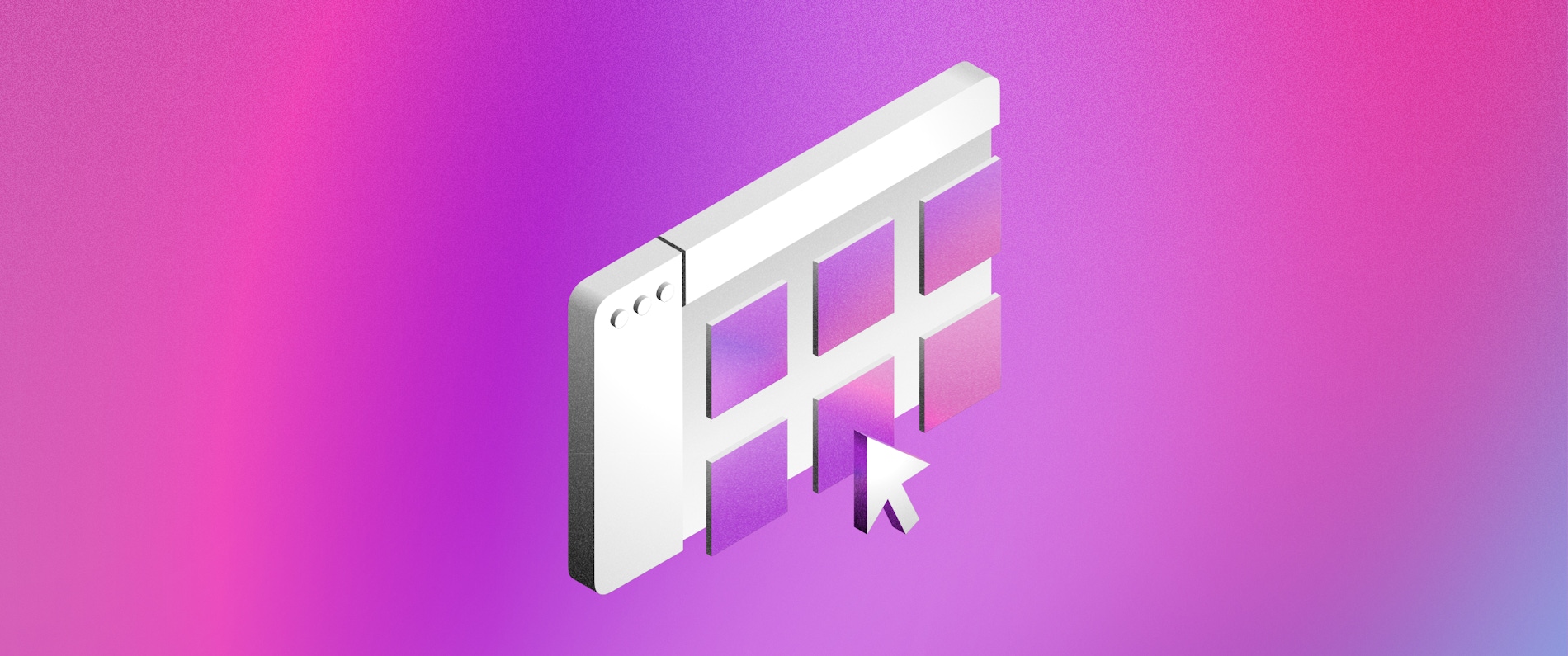
Discover how Sketch’s new Workspace window helps you organize your work and find documents faster

“It’s great to have the chance to show people how much effort we put into the little things at Sketch.”
Sketch 78 is here! With this release, we’ve got some neat UX improvements to make your life easier. We‘ve fine-tuned the Documents window — now called Workspace window — to include a new List view and an improved Recents view to help you find the documents you need faster. Plus, with sharing badges, you can see extra information about your documents, and stay on top of what your team is working on.
Elsewhere, we’ve made it easier to navigate layers and work with deep group hierarchies. For example, you can now use the Enter and Tab keys to move through the layer hierarchy across multiple selected groups. You can also navigate layers with Tab and ⇧Tab, even if you have nothing selected.
And, as always, we’ve squashed some pesky bugs and improved performance based on your feedback.

Resize, realign and create complex shapes in seconds with math — and let Sketch take care of the calculations

"The wonderful thing about Sketch is that it helps me with the entire icon design flow."
Version 77 of the Mac app is out now. With this update, we’ve made it faster to drill down into groups in your documents. Now, after you’ve double-clicked the first group on the Canvas, quickly following up with single clicks will dive down deeper.
Elsewhere, you’ll find new Apple device presets in the Artboard selector. And did you know you can use math in most of Sketch’s text fields? Well, we’ve now added support for exponents (aka powers) with the ^ sign.
We also heard you loud and clear when it came to the export bar that appears at the bottom of the Canvas when you export a file. Now, the bar will automatically disappear after 10 seconds, and we’ll never show more than one at a time — so you can focus on the work on your Canvas.
And, as always, we’ve squashed some pesky bugs and improved performance based on your feedback. We hope you enjoy the update!